

Your customers have stopped searching. They’ve started asking. Instead of typing “help desk software” into Google and clicking through ten blue links, they’re asking ChatGPT, Claude, Gemini or Perplexity something like:
“I run a software company that needs a support ticketing system – what platform should I use?”
The answer isn’t a list of websites. It’s a shortlist of two or three names.
That shift is well under way in the UK. Ofcom found that ChatGPT had 1.8 billion UK visits in the first eight months of 2025, up from 368 million a year earlier, and that around 30% of Google searches now show an AI Overview. Businesses are moving too. The Office for National Statistics reports that around 35% of UK firms with ten or more staff now use AI, almost three times the figure in late 2023.
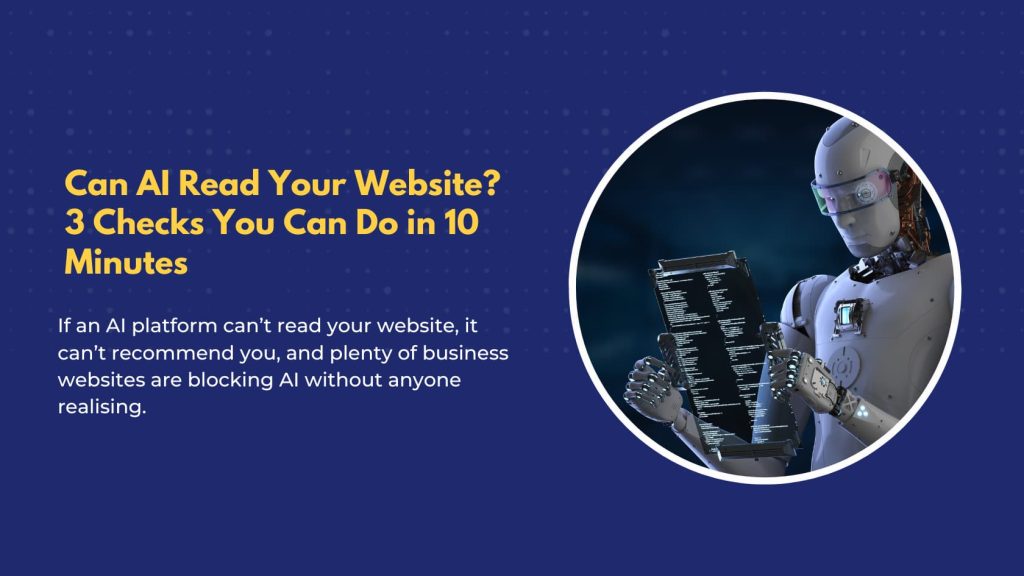
Here’s the catch. If an AI platform can’t read your website, it can’t recommend you, and plenty of business websites are blocking AI without anyone realising. With a single AI answer, there’s no page two to fall back on. The good news is you can find out where you stand in about ten minutes, without any technical knowledge.
What is AI crawlability?
AI crawlability is how easily AI platforms can access, read and understand the content on your website. A crawlable site lets AI crawlers in, serves its key information as plain text and makes facts like services, location and opening hours easy to confirm.
How AI decides who to recommend
It helps to picture what happens inside an AI assistant when someone asks for a recommendation. Take a buyer who types:
“Book me a table at a good Italian in Liverpool for Saturday at 8pm.”
Behind the scenes, the assistant works through five steps:
- Reads the brief. Italian, Liverpool, Saturday, 20:00, table for two – with an intent to book, not browse.
- Builds a shortlist. It pulls a handful of candidates from its index, business profiles, directories and mentions across the web.
- Verifies the facts. Each candidate’s website is checked for cuisine, address and Saturday opening hours. Anything it can’t confirm in seconds is quietly dropped.
- Judges quality. The survivors are ranked on reviews, recency and independent coverage.
- It checks availability, books the table and reports one name back.
One table booked. Every other Italian restaurant in Liverpool was filtered out before the buyer saw a single name.
Step three is where websites fail. If the AI’s crawler is blocked, or your opening hours only appear after the page’s scripts run, it doesn’t wait or try again. It moves on to a competitor it can read. The same applies whether you’re a restaurant, an accountant, a dentist or a removals firm.
Check 1: Ask AI about you
Open ChatGPT, Claude, Gemini or Perplexity, paste in your homepage URL and ask:
“What does this business do, where, and who for?”
If the answer is accurate and specific, that’s a good sign. If it’s wrong, vague or out of date – or the AI says “I can’t access that page” – that’s what your customers are hearing too. Try more than one platform, as each uses different crawlers and may get a different result.
Check 2: Look under the bonnet
Go to your homepage in a desktop browser, right-click and choose “View page source” (or press Ctrl+U on Windows, Cmd+Option+U on a Mac). This shows the raw code your website sends before any scripts run.
Press Ctrl+F (Cmd+F on a Mac) and search for a sentence you can see on the page, such as your opening line. If it isn’t there, your content is being added by JavaScript after the page loads – and many AI crawlers don’t run JavaScript. A 2024 study by Vercel and MERJ found that none of the major AI crawlers it tracked rendered it.
As Metehan Yesilyurt, a GEO researcher at Peec AI, puts it: “ranking on Google and being retrievable by an LLM are two different problems” (Peec AI). A site can look perfect to you and to Google while being close to blank for an AI crawler.
Check 3: Ask one question
Send this to whoever runs your website or hosting:
“Are we blocking any AI crawlers – in Cloudflare, the firewall or robots.txt?”
If the answer is “I don’t know”, that’s useful in itself. It means nobody has made a deliberate decision and the settings are whatever the defaults happened to be. That matters, because some defaults now block AI traffic (Cloudflare changed its AI settings again in September 2026).
What to do if a check fails
Each check points to a different fix:
- AI gets your business wrong or can’t access it: your site is probably blocking AI crawlers. Our guide to AI crawlers, robots.txt and Cloudflare is written to forward straight to your developer.
- Your text isn’t in the page source: your content relies on JavaScript. We explain the fix, plus how to help AI verify your details, in Can AI understand your website?
- Nobody knows what’s being blocked: start with the developer checklist and ask for each setting to be reviewed deliberately.
Find out if AI can read your website
Your customers are already asking AI who to hire. The question is whether AI can read your website well enough to put you on the shortlist.
If you’d rather skip the manual checks, our free AI Readiness Check tests your homepage against more than 20 AI visibility signals across ChatGPT, Gemini, Claude and Perplexity in around 30 seconds. No sign-up needed to see your score.
Find out where AI sends your customers (before it sends them somewhere else). Run your free AI Readiness Check.